Competitive Shooter: Steel Challenge
€511
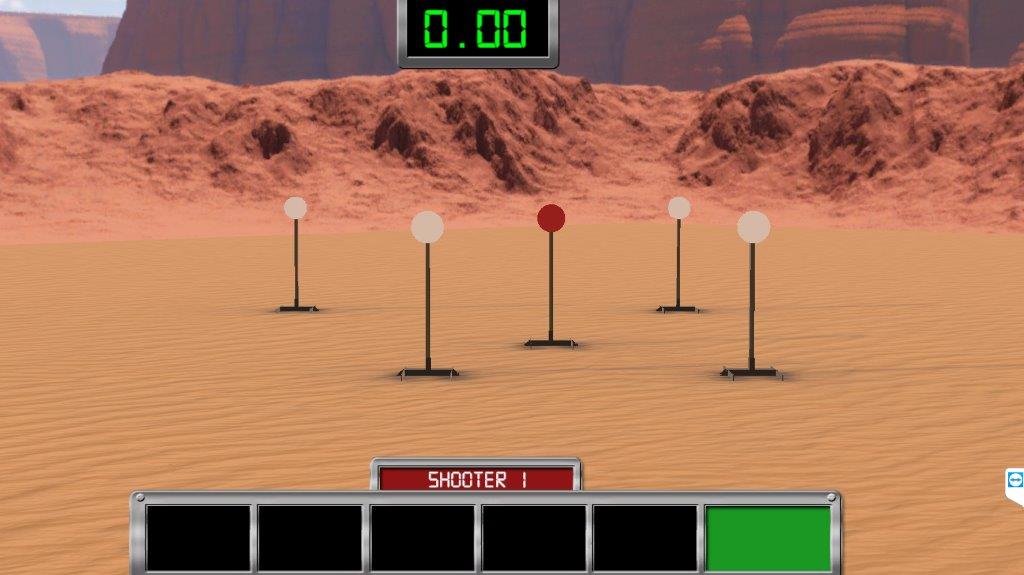
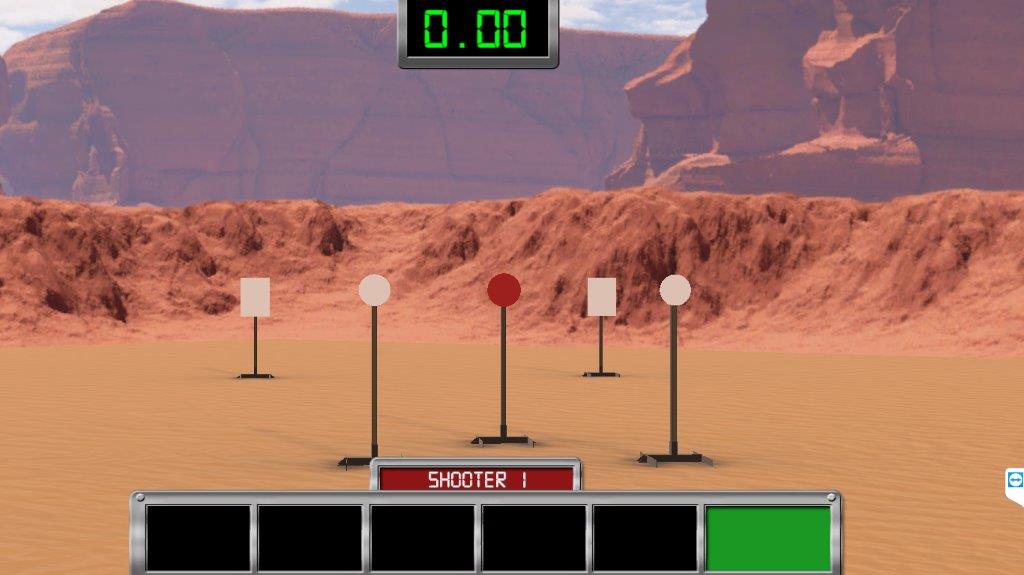
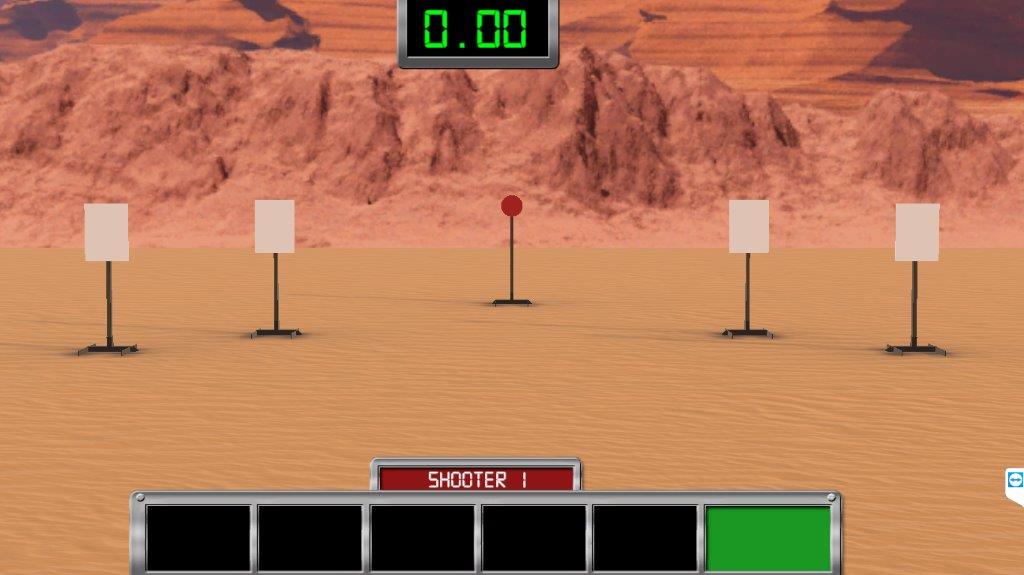
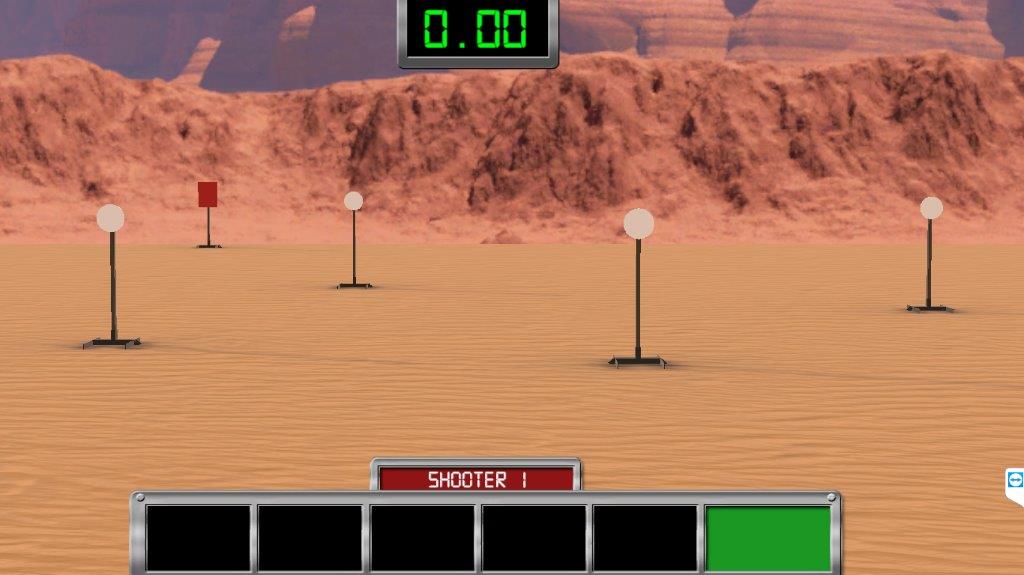
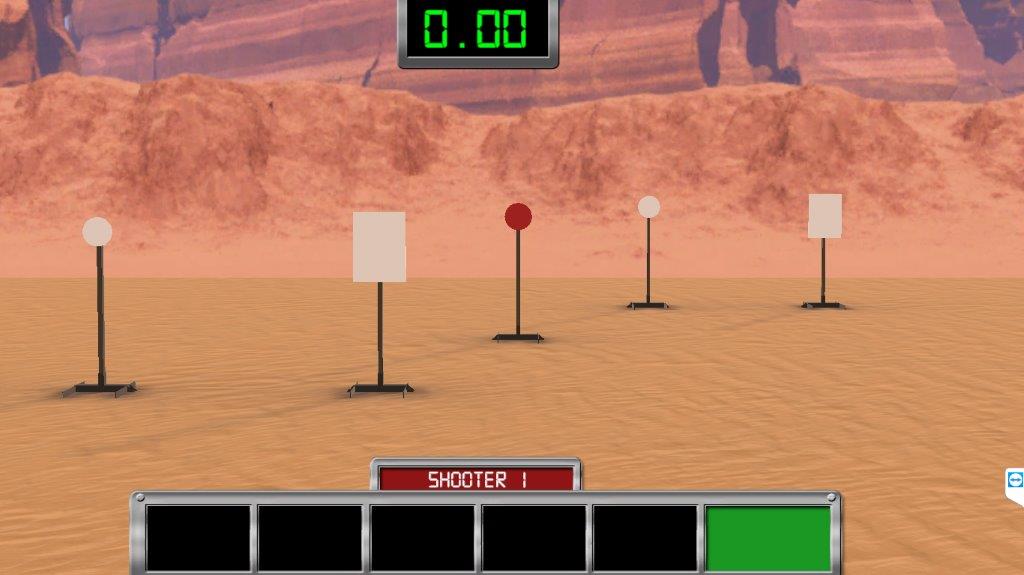
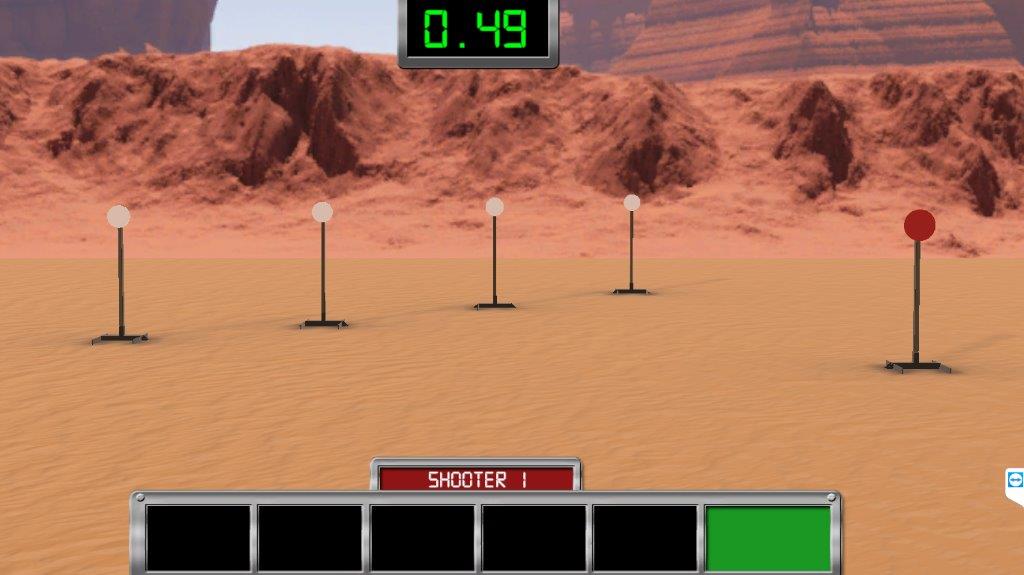
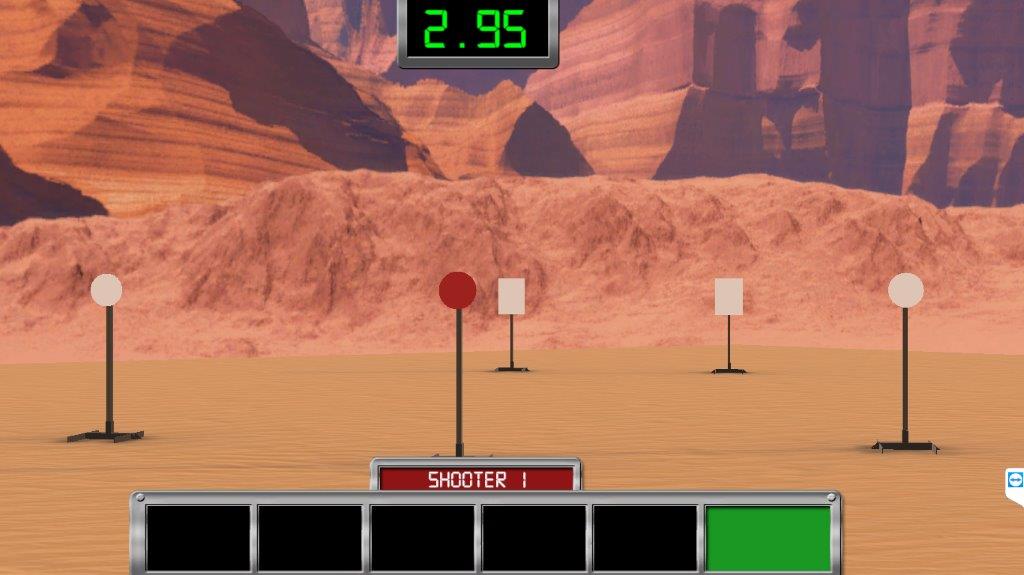
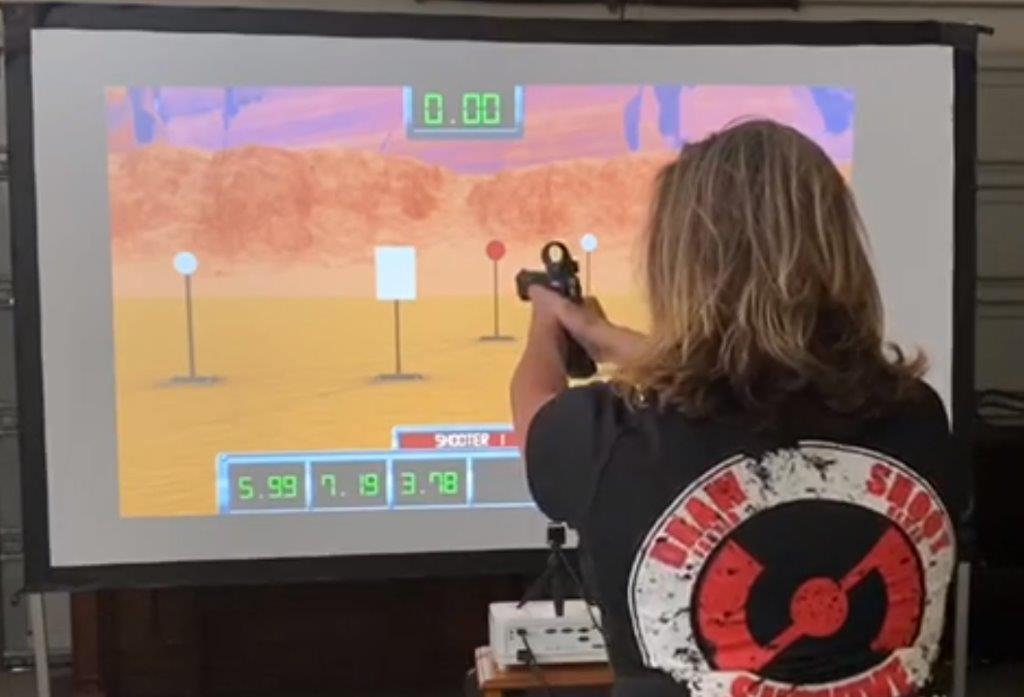
Steel Challenge is an exciting and fast-paced shooting sport for all level of shooters. The Competitive Shooter: Steel Challenge is an add-on to the Smokeless Range that brings this exciting shooting sport right to you in your home or office.
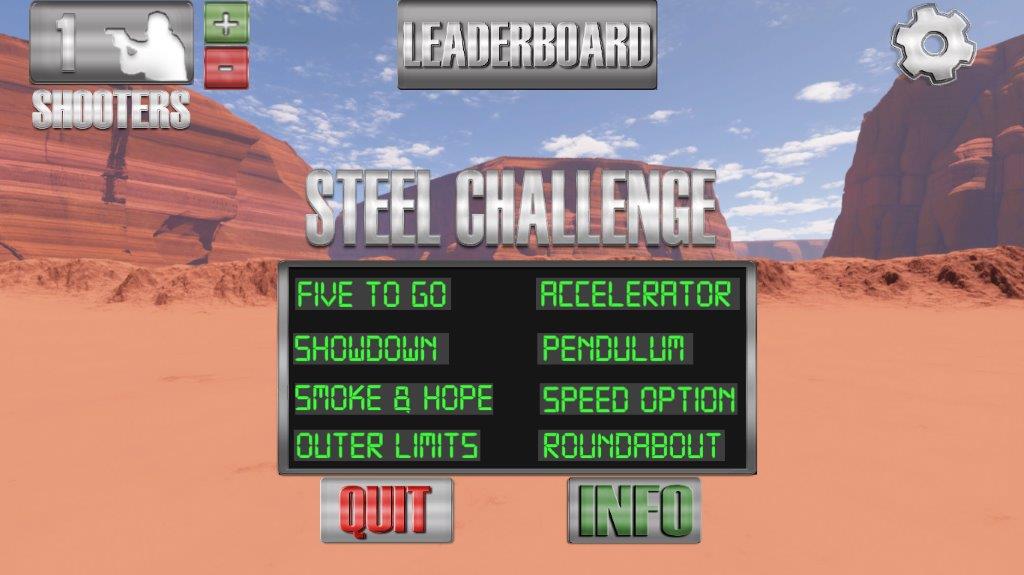
Enjoy all eight of the Steel Challenge courses that you will see in the real competition. Turn up the competition with up to 5 shooters and a leaderboard to see who is the fastest of the bunch.
This takes Steel Challenge training to a new level. Challenge yourself or your friends on speed, accuracy, and transitioning targets. Fun and safe for all skill levels.
Enjoy all eight of the Steel Challenge courses that you will see in the real competition. Turn up the competition with up to 5 shooters and a leaderboard to see who is the fastest of the bunch.
This takes Steel Challenge training to a new level. Challenge yourself or your friends on speed, accuracy, and transitioning targets. Fun and safe for all skill levels.
- Secure payment by card
- E-mail us, we reply swiftly!
Description
Article no.: CSSC001
Competitive Shooter: Steel Challenge is an add-on to Laser Ammo’s Smokeless Range. The Smokeless Range is required to utilize the Competitive Shooter : Steel Challenge add-on. Please check the needed spec before you buy this item and make sure your computer is standing in those specs.
***Please click the link below to download a free 15-day demo of the software. Please be advised that this demo is for use with your computer mouse only and not with your firearm.
http://www.smokelessdownload.com/index.html
For a full list of system requirements visit:
http://www.smokelessdownload.com/system-requirements.html
Smokeless Range Minimum Specifications
Setup Requirements:
• Click here to see more setup detail in our General Setup Database
• Room with controlled lighting and No Sunlight and No harsh lights over screen or in the view of the camera.
• Windows 7, 8.1, or 10 PC that meets min. spec. (See below)
• Video projector capable of 1280x720 minimum resolution and 2000 to 3500 ANSI Lumens for an 8 ft to 12 ft wide image. Please see our FAQ on Projector selection here Projector FAQ (Please note that the size of the image and the ambient room light will also determine what is needed for a proper setup) (Cheap LED Projectors from Amazon and eBay will not work. They advertise high lumens but are really only about 80 ANSI Lumens)
• White (1.1 gain max) projection screen (No silver screen) or flat, non-glossy, white wall
• recommended projected screen size 8ft to 12ft wide (Note: A smaller than 8 ft wide image size may require lowering your projector brightness if it is over 3000 lumens.)
• 650nm Red or 780nm IR training laser
• If using a TV you will need this material flat over the screen Click Here for Material (Caution! Do not block any cooling vents on your TV with this material or you could overheat and damage your TV.)
Computer minimum requirements:
• Windows 7, 8.1 or 10 PC built no earlier than 2015 (Does not run on a Mac) Windows 10 preferable.
• Graphics card that supports OpenGL 2.1 or higher.
• Processor: Intel i5-3320M Gen 3 and better or AMD Ryzen 5 APU with Vega GPU (not G model) and better.
• Processor Recommended: Intel i7 and better or AMD Ryzen 7 APU with Vega GPU and better.
• RAM Memory: 8GB RAM DDR2 or more
• Graphics Card: Intel HD or better (Must support a minimum of 1280x720 resolution)
• Disk Space: Minimum for just the Smokeless Range with no Add-ons is 500MB or more. The more add-ons you load the more space you will need. Example, VST Pro with 65 scenes needs 3GB of Hard Disk space.
• VST Pro and Smokeless Range add-ons require more hard drive space. It is recommended to have at least 10 gig of free space as a starting point, but this is dependant on how many videos you have loaded as well as how many Pro level add-ons you have loaded.
• USB 2.0 or 3.0 Port (Note: Only specific USB Extenders will work with the camera. Please visit our Knowledge Base and search USB to find a link to know good extenders.)
• HDMI or VGA port on PC for TV or projector connection (Cannot connect the PC to the Projector with a USB cable)
***Please click the link below to download a free 15-day demo of the software. Please be advised that this demo is for use with your computer mouse only and not with your firearm.
http://www.smokelessdownload.com/index.html
For a full list of system requirements visit:
http://www.smokelessdownload.com/system-requirements.html
Smokeless Range Minimum Specifications
Setup Requirements:
• Click here to see more setup detail in our General Setup Database
• Room with controlled lighting and No Sunlight and No harsh lights over screen or in the view of the camera.
• Windows 7, 8.1, or 10 PC that meets min. spec. (See below)
• Video projector capable of 1280x720 minimum resolution and 2000 to 3500 ANSI Lumens for an 8 ft to 12 ft wide image. Please see our FAQ on Projector selection here Projector FAQ (Please note that the size of the image and the ambient room light will also determine what is needed for a proper setup) (Cheap LED Projectors from Amazon and eBay will not work. They advertise high lumens but are really only about 80 ANSI Lumens)
• White (1.1 gain max) projection screen (No silver screen) or flat, non-glossy, white wall
• recommended projected screen size 8ft to 12ft wide (Note: A smaller than 8 ft wide image size may require lowering your projector brightness if it is over 3000 lumens.)
• 650nm Red or 780nm IR training laser
• If using a TV you will need this material flat over the screen Click Here for Material (Caution! Do not block any cooling vents on your TV with this material or you could overheat and damage your TV.)
Computer minimum requirements:
• Windows 7, 8.1 or 10 PC built no earlier than 2015 (Does not run on a Mac) Windows 10 preferable.
• Graphics card that supports OpenGL 2.1 or higher.
• Processor: Intel i5-3320M Gen 3 and better or AMD Ryzen 5 APU with Vega GPU (not G model) and better.
• Processor Recommended: Intel i7 and better or AMD Ryzen 7 APU with Vega GPU and better.
• RAM Memory: 8GB RAM DDR2 or more
• Graphics Card: Intel HD or better (Must support a minimum of 1280x720 resolution)
• Disk Space: Minimum for just the Smokeless Range with no Add-ons is 500MB or more. The more add-ons you load the more space you will need. Example, VST Pro with 65 scenes needs 3GB of Hard Disk space.
• VST Pro and Smokeless Range add-ons require more hard drive space. It is recommended to have at least 10 gig of free space as a starting point, but this is dependant on how many videos you have loaded as well as how many Pro level add-ons you have loaded.
• USB 2.0 or 3.0 Port (Note: Only specific USB Extenders will work with the camera. Please visit our Knowledge Base and search USB to find a link to know good extenders.)
• HDMI or VGA port on PC for TV or projector connection (Cannot connect the PC to the Projector with a USB cable)
Files and media
 | Download link |